
Expense management that keeps up with your business
Empower your finance team with automated expense tracking, seamless reconciliations, and accounting integrations that help you close your books 3x faster.



Join the 4,000+ businesses already streamlining their finances










%201.svg)



Smarter expense controls and corporate card management
Mamo makes monitoring and managing every expense simple — so there’s less busywork and more room to grow.
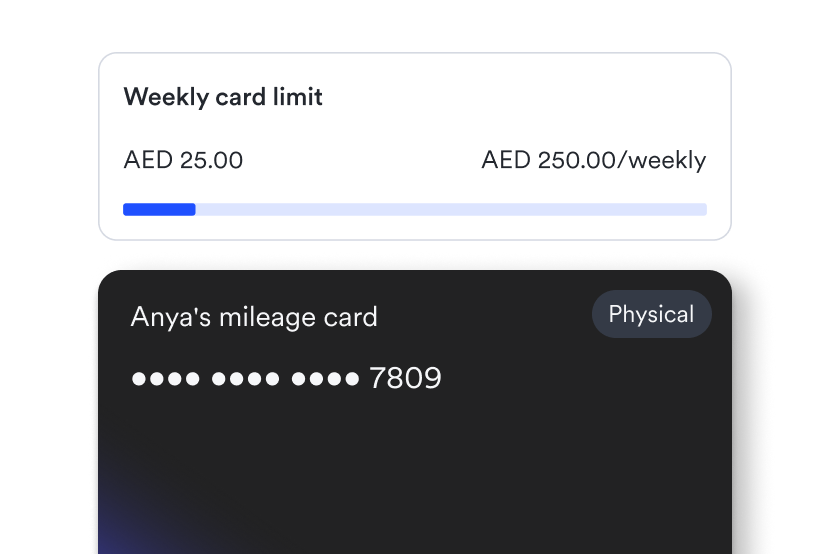
Control spend before it happens
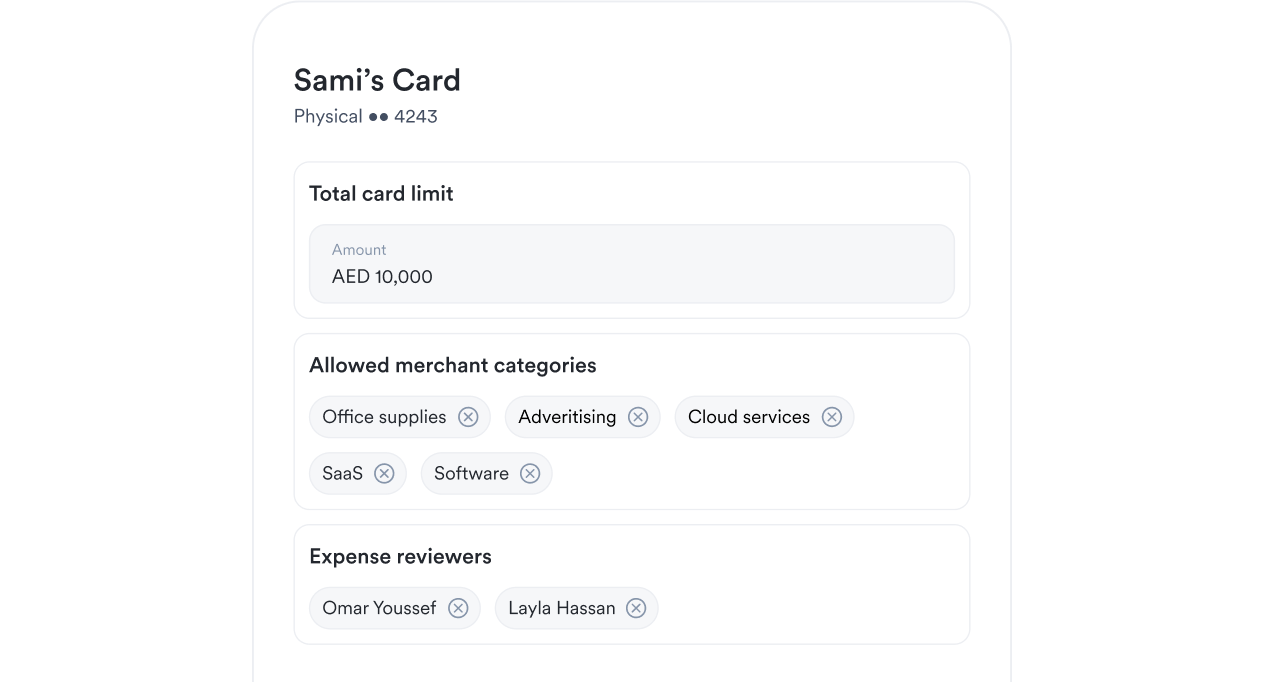
Issue cards with built-in controls to prevent unapproved spend before it happens.
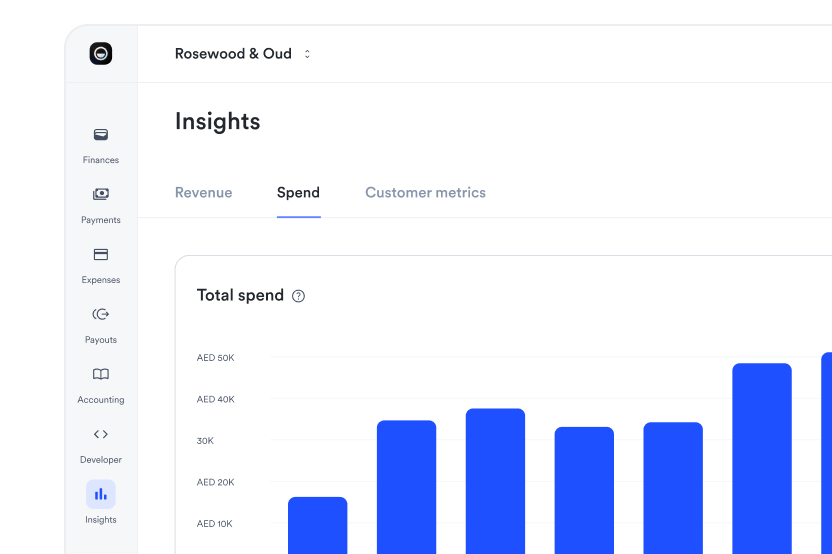
See where your money’s going
Get real-time insights, analytics, and reports that help you make smarter financial decisions.
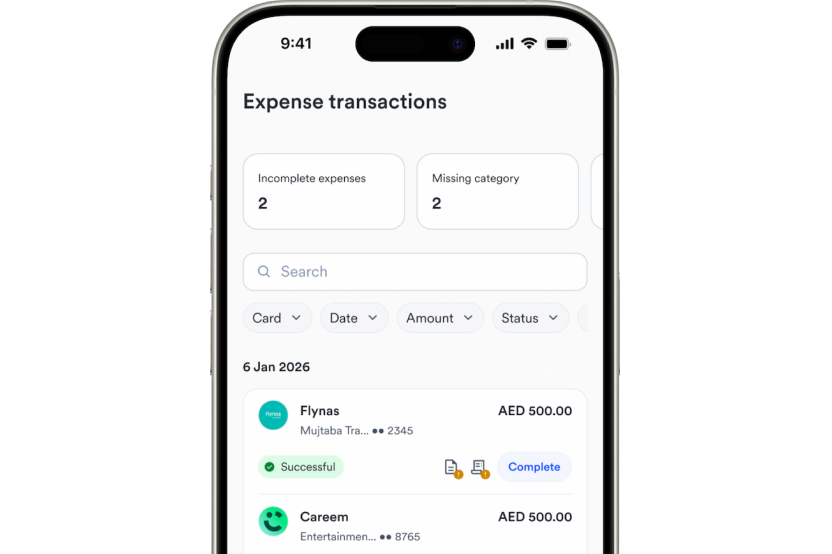
Free up valuable time
Automate expense tracking and approvals to reduce manual tasks and close your books 3x faster.
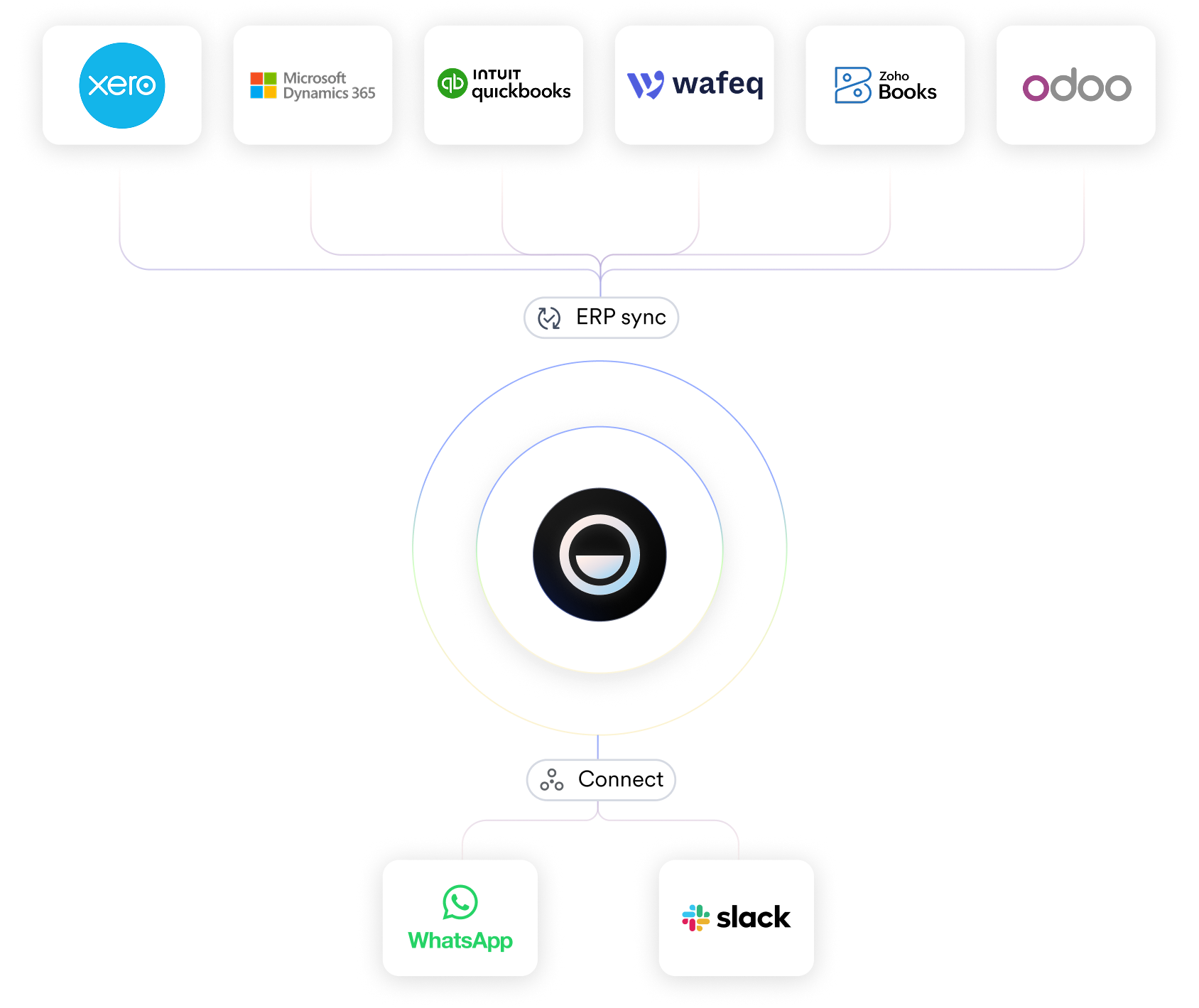
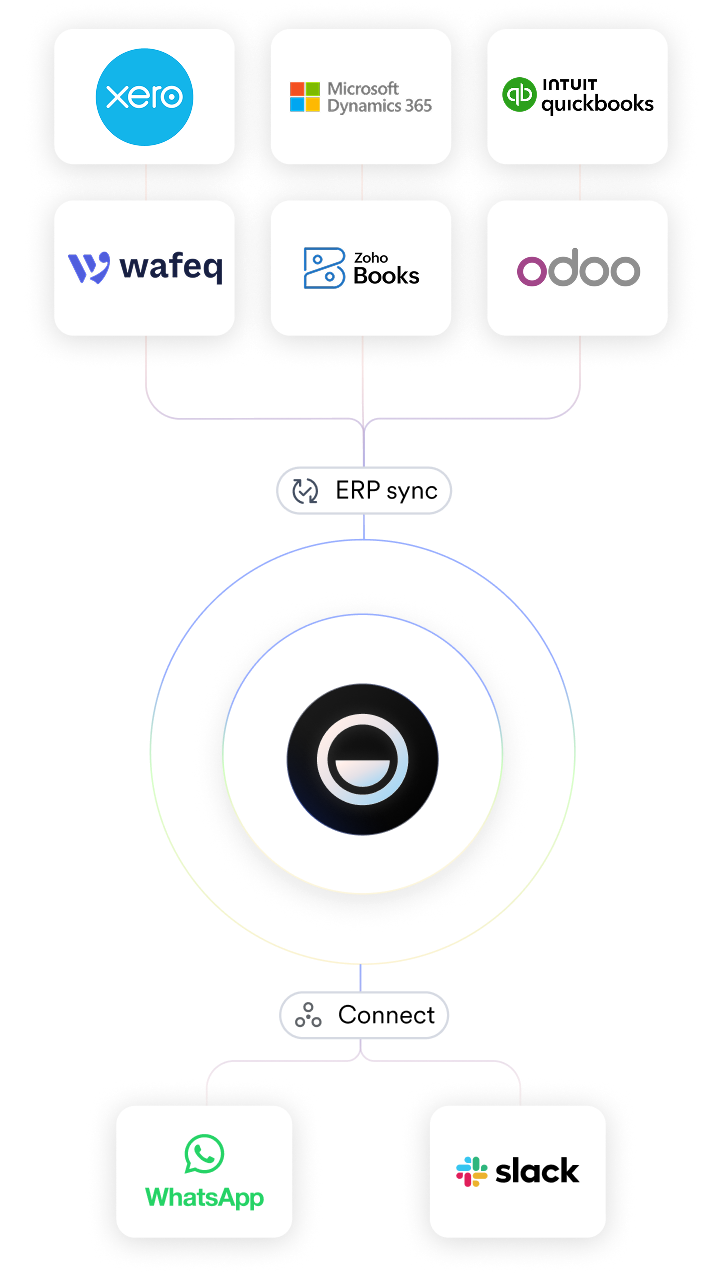
Integrate with the accounting software you already use
Connect and sync expenses automatically, or use our integrations with Make and Zapier to plug Mamo into thousands of tools.
Effortless for employees.
Powerful for finance teams.
Streamlined, simple, and secure — Mamo’s expense management tools are built for the people who will actually use them.
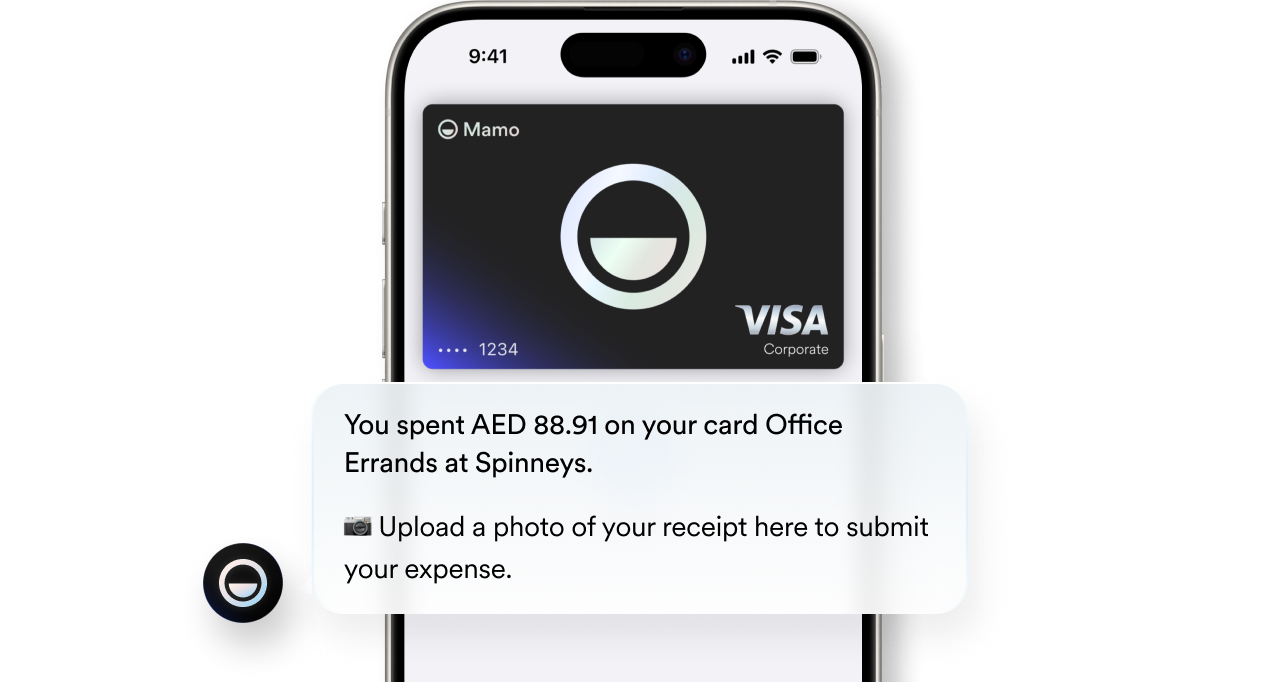
No petty cash. No chasing receipts.
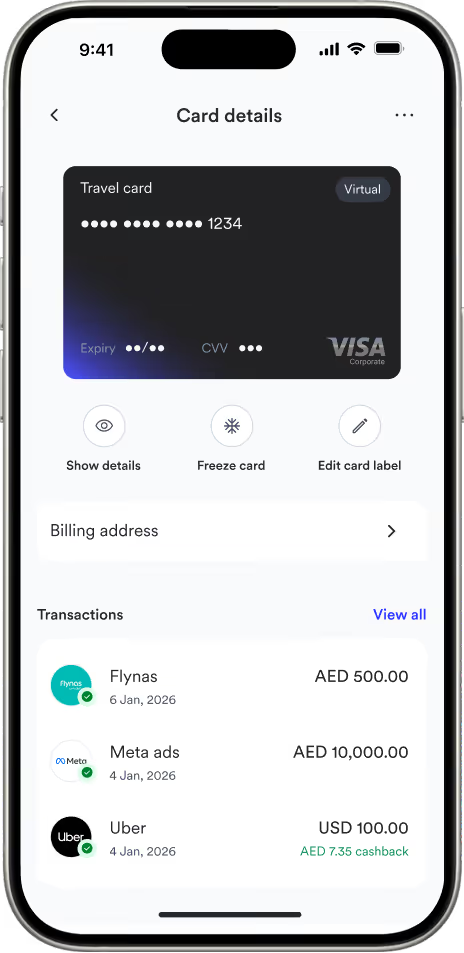
Empower teams with virtual and physical cards — and get real-time visibility into every transaction.
Keep everyone aligned on spending
Create approval flows for your team so expenses are reviewed, approved, or rejected without slowing down your business.
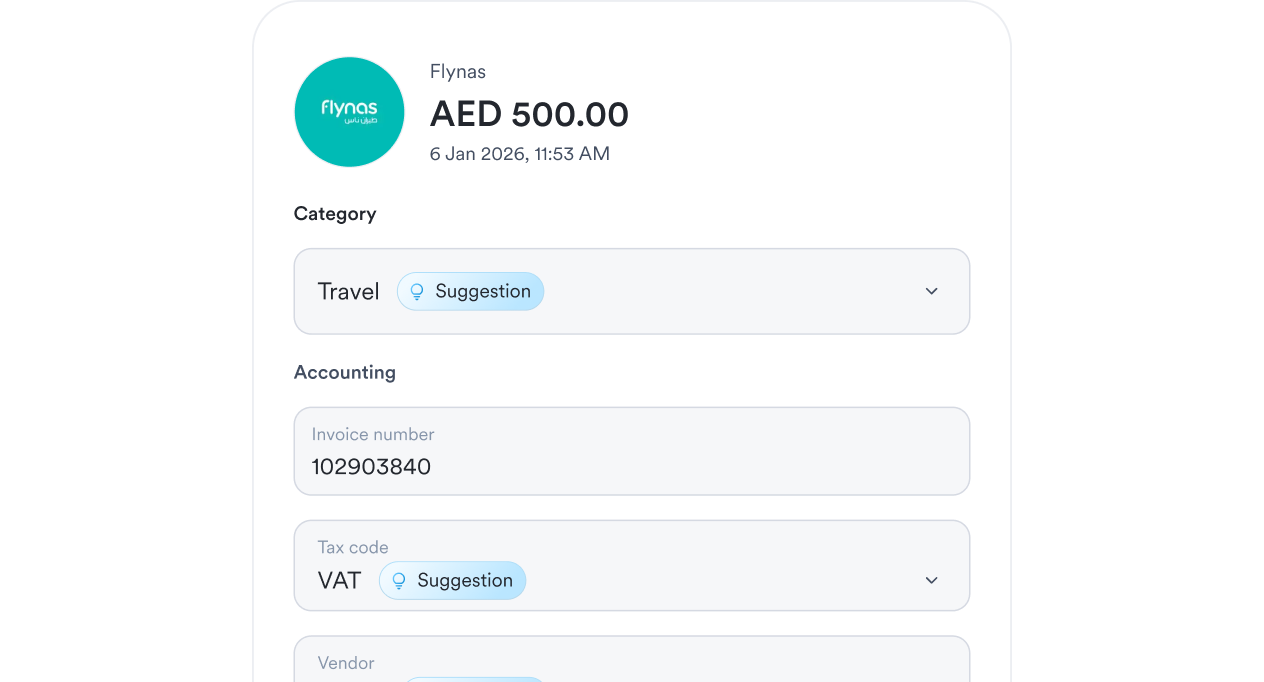
Automation built into every expense
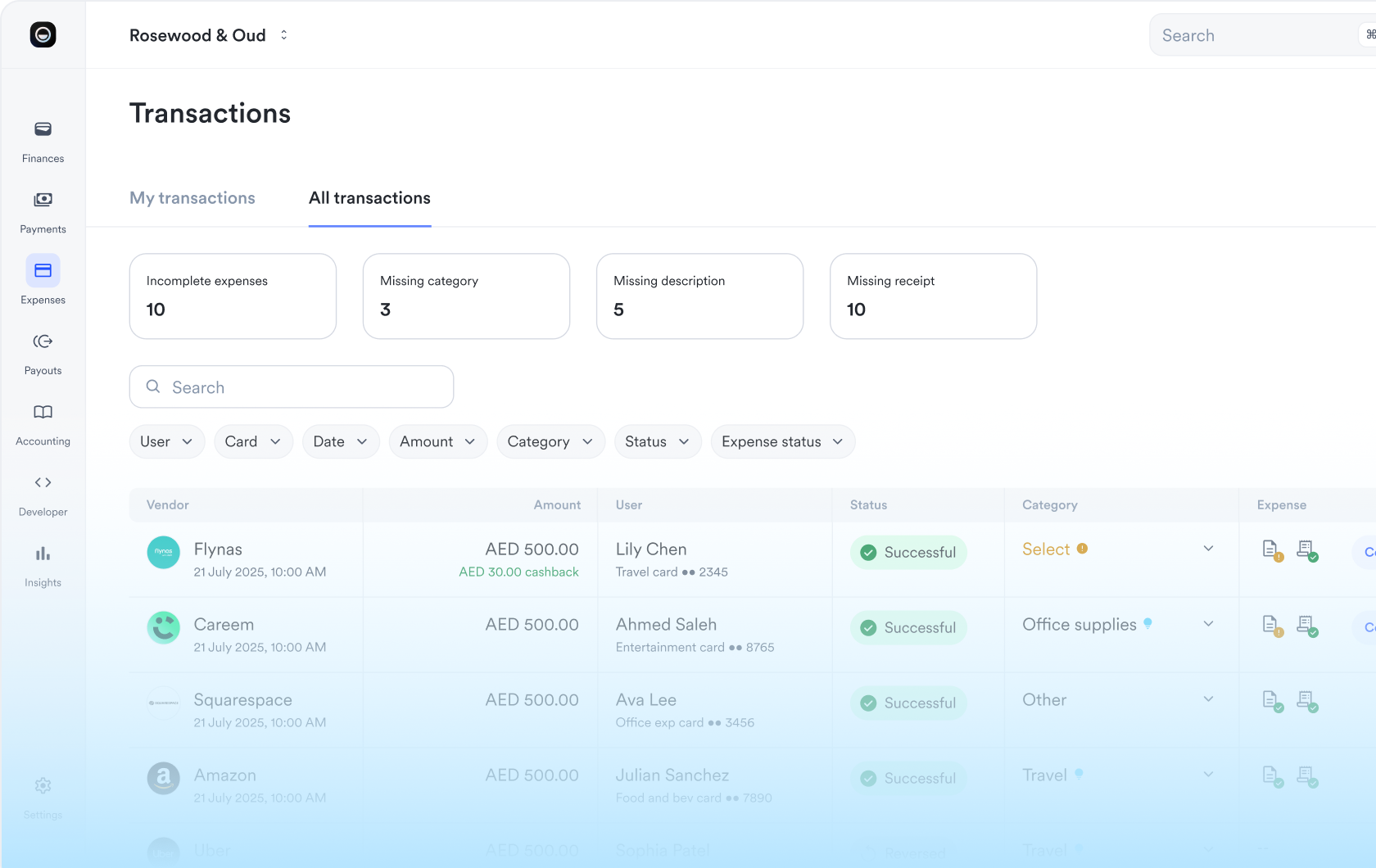
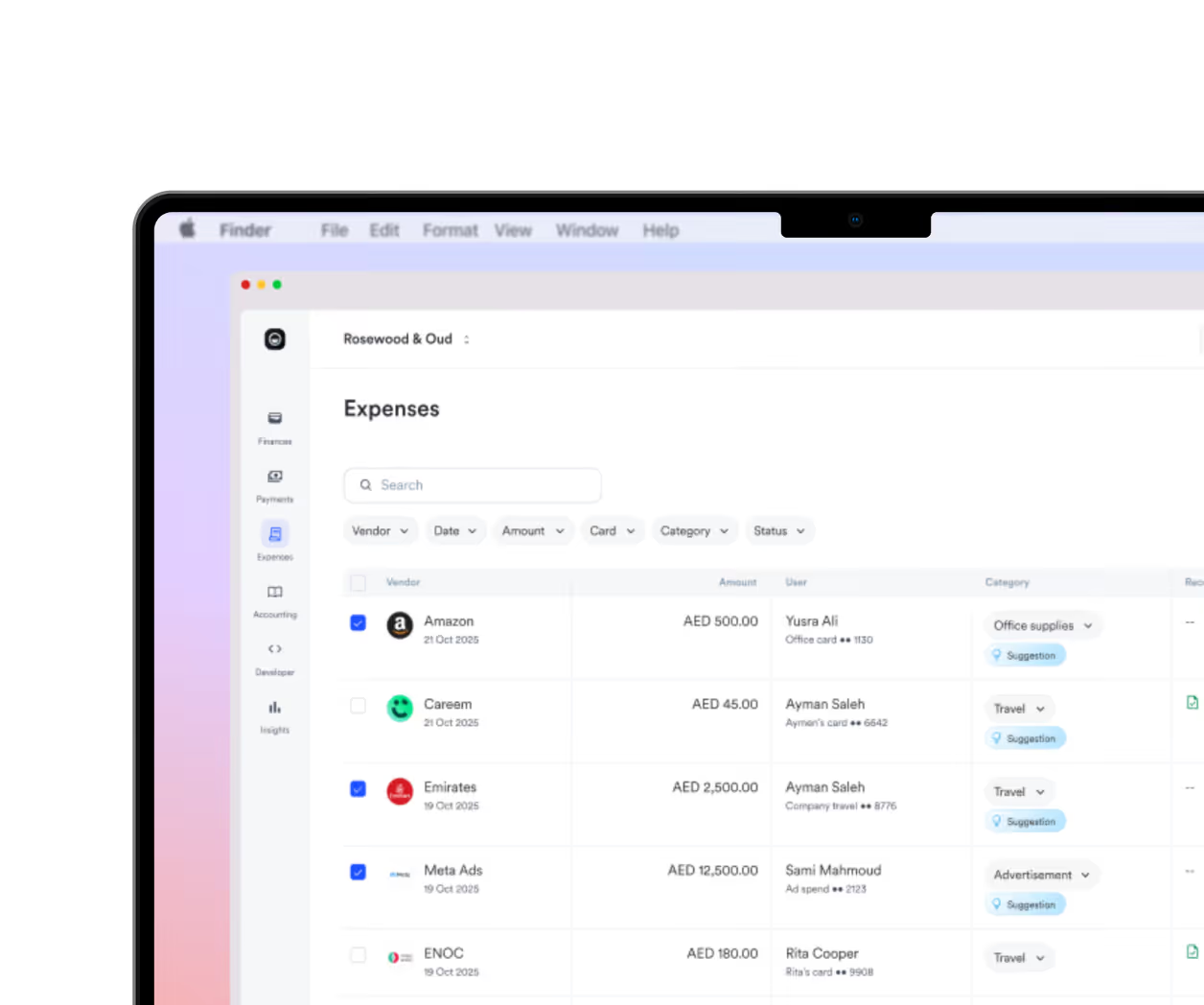
Mamo automatically captures the currency, cost, category and tax code of every Mamo Card transaction.
Easy breezy reconciliation
Consolidate revenue and expenses in one platform for less friction, fewer fees, and faster closing.
Bulk actions that save time
Change categories, download receipts, and sync multiple expenses — in just a few clicks.
All your finance tools in one place
One platform for payment collection, corporate cards, and expense management to help you streamline financial operations with confidence.
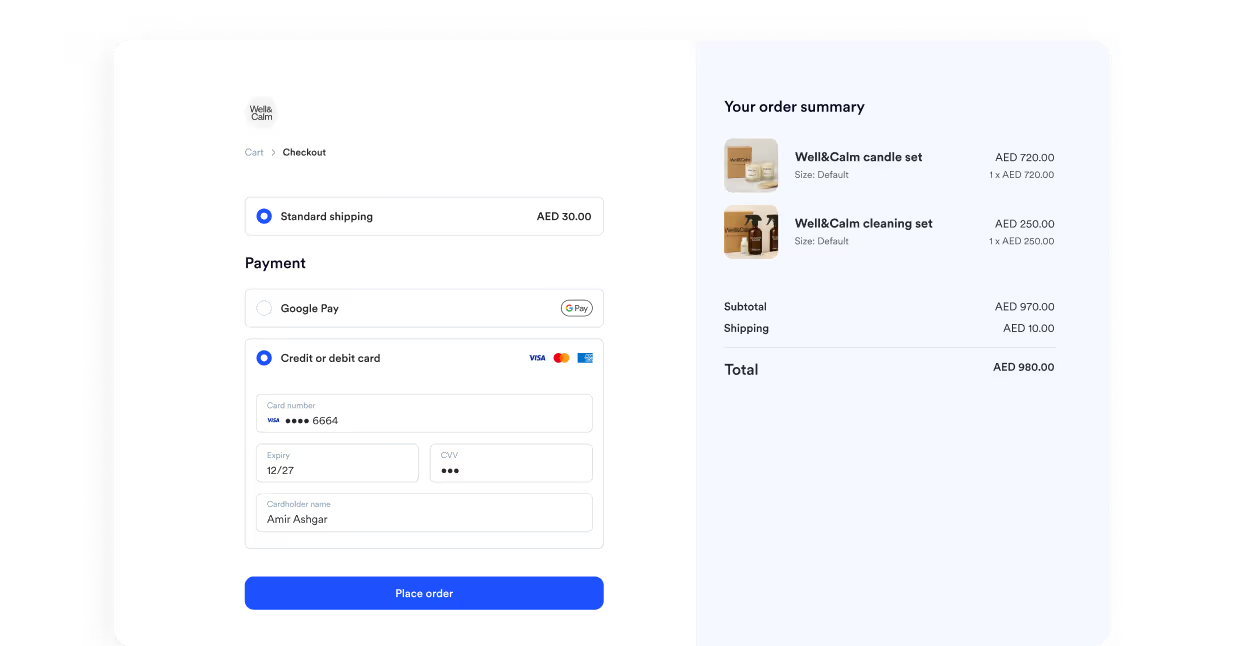
Payment links
Make it easy for customers to pay you. Generate payment links, invoices, QR codes, or set up subscriptions in seconds.
Corporate cards
Capture and approve business expenses, reconcile transactions, and sync it all with your accounting software seamlessly.

Frequently asked questions
Mamo’s expense management helps you track, approve, and reconcile expenses in real time. Every transaction made with a Mamo Card automatically syncs to your dashboard for easy review and reporting.
When a team member uses their Mamo Card, the expense — plus the currency, category, and tax code — flow straight into your dashboard automatically. No manual entry or spreadsheets required.
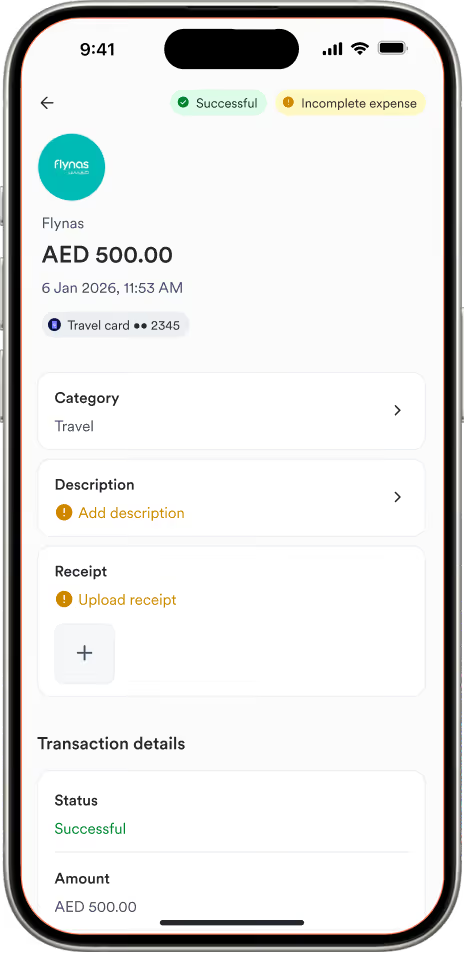
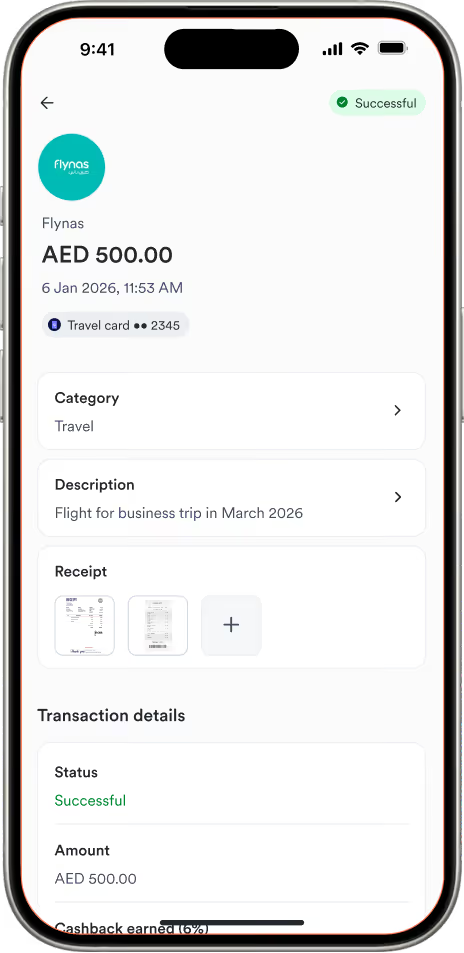
Yes! Team members can snap a photo of their business receipts and upload it directly in the Mamo dashboard, or send it via WhatsApp. Each receipt is matched to the correct transaction, making it easy to review, approve, and reconcile expenses — without digging through piles of paper receipts.
Yes! Mamo is licensed and regulated by the Dubai Financial Services Authority (DFSA) and uses best-in-class security and encryption to protect your business’s financial data.
Mamo offers seamless accounting software integration with Xero, QuickBooks, Zoho, and more. Mamo also integrates with Shopify, Make, and Zapier — so data can flow directly into your existing suite of business tools.